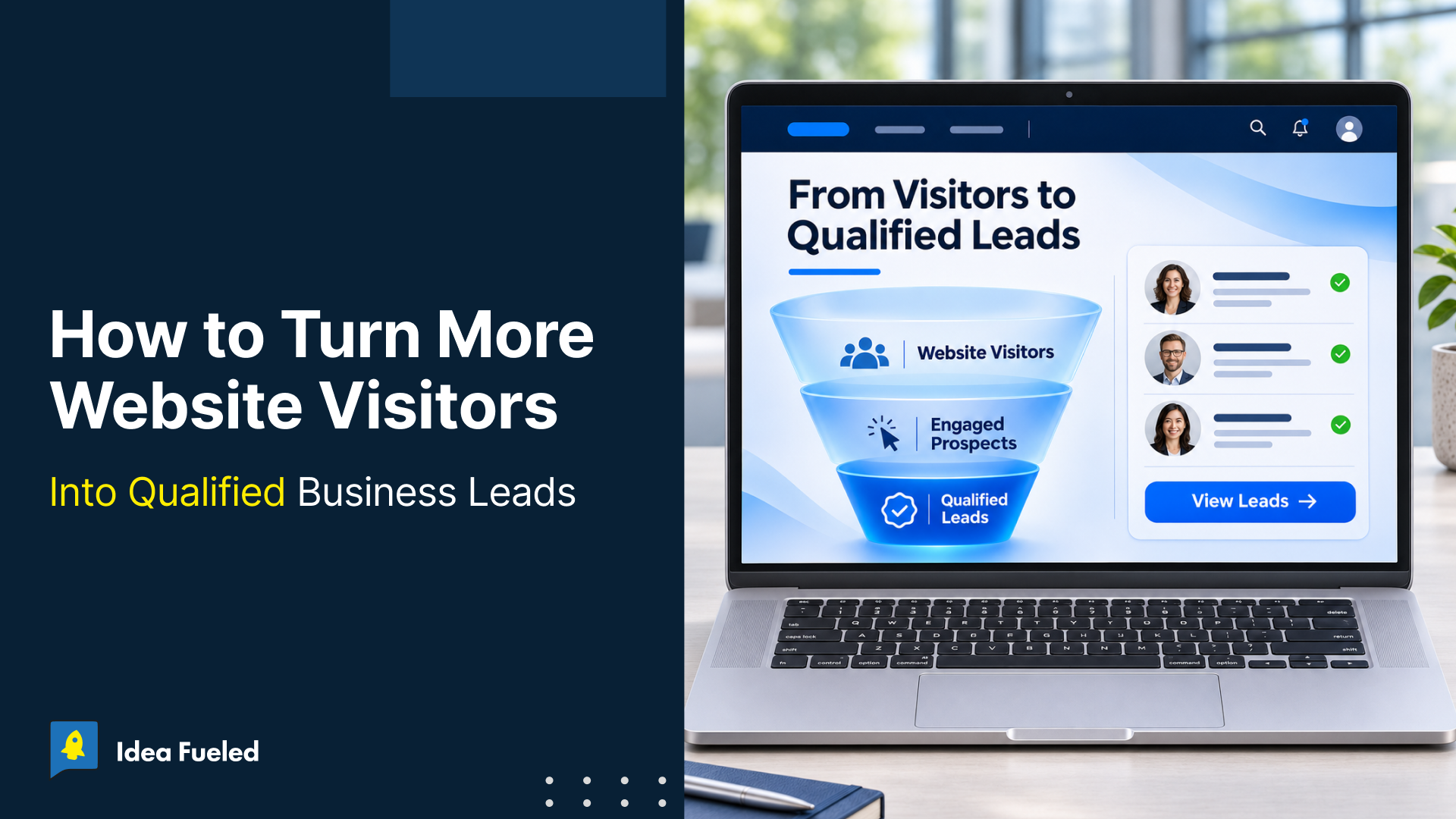
Website lead conversion means converting website visitors into potential customers by helping them to find the right information and take the next step.
If your inquiries don’t convert into sales opportunities, your website may be generating leads without driving business growth. So remember, “more website traffic doesn’t always mean more business.” Fewer visitors can generate better business opportunities when they are more relevant to your services.
At Idea Fueled, we focus on understanding where potential customers leave, what stops them from taking the next step, and whether the leads generated are worth pursuing. Here you’ll learn how to identify conversion gaps, improve the visitor journey, and measure whether your website is generating qualified leads.
Key Takeaways
- Use GA4 and Search Console together to understand where visitors come from and which pages attract them.
- A page with many impressions but few clicks needs a different investigation from a page that gets clicks but few inquiries.
- Match each CTA to the visitor’s intent instead of asking everyone to book a consultation.
- For B2B websites, assess whether inquiries match your ideal customer profile, not just whether the form was submitted.
- Track the journey from visitor to qualified lead and customer to see whether website activity creates business opportunities.
What Is a Qualified Business Lead?
A lead is when someone takes a meaningful action on your website pages, such as submitting a form, requesting a consultation, or booking a call.
A qualified lead goes one step further. It matches the characteristics of your target customer and has a relevant need, problem, or buying intent.
For example, someone downloading a general marketing guide may be a lead. But a business owner requesting a consultation for a specific marketing project is likely a much stronger prospect.

Let’s start by understanding how your website is getting traffic before we learn how to turn your visitors into leads.
How Are You Getting Traffic to Your Website?
Not every page on your website attracts the same amount of traffic. Some visitors come from service pages, others from blog posts, landing pages, or referral links. Identifying which pages bring in the most visitors helps you understand where your traffic is coming from and which pages may have the potential to generate more leads.
1. Find the Pages That Bring in the Most Traffic
Start with your Google Analytics 4 (GA4) analysis. Review and measure the pages receiving the most sessions over a period. You may find that a blog post attracts most of your organic traffic, a service page brings visitors from search, or a campaign landing page receives traffic from paid ads.
Google’s conversion measurement guidance explains how important events can be used to measure business actions across marketing channels.
Why this matters: A page that attracts many visitors but generates few inquiries needs a different investigation from one that consistently generates relevant leads. You should know which pages need attention before deciding what to change.
2. Check What People Search for Before They Visit
Google Search Console can help you understand why people are landing on particular pages. Check the pages receiving clicks and impressions, read the queries associated with the important pages and analyze what the searcher is trying to do.
For example, someone searching for how to improve website conversion rates may want practical advice. Someone searching for a website conversion agency may be looking for professional help.
These visitors could reach your website through the same channel, but they don’t necessarily need the same next step.
This is where search intent matters, as it helps you understand whether a page is attracting people who want information, are comparing possible solutions, or are looking for a service.
Why this matters: If a blog post attracts people who want to learn, then asking every visitor to book a consultation will not be the best approach. The page should answer their question first and then offer a relevant next step.
Google’s guidance on creating helpful, people-first content also stresses that content should serve its intended audience rather than exist mainly to attract search visits.
3. Create a Plan From the Data
When you know which pages bring traffic, which queries lead visitors to them and which pages generate inquiries, you can create a plan from this data. Start with pages that receive meaningful traffic but aren’t producing the results you expect.
For example:
| What you find | What to investigate next |
| A blog post gets high traffic but few inquiries. | Does it offer a relevant next step for readers who need more help? |
| A service page gets relevant traffic but few inquiries. | Does the page explain the service, answer important questions, and make it easy to inquire? |
| A landing page gets visits but few form submissions. | Does the page deliver on the promise that brought visitors there? |
| A page generates many inquiries but few qualified leads. | Are the content, offer, and audience attracting the right audience? |
This gives you a starting point for improving website lead conversion based on what your website is actually doing.
More Impressions Don’t Always Mean More Business
A website can appear in search results thousands of times without bringing in enough relevant visitors. Another website may have fewer impressions but attract more clicks from people looking for its services.
For example, the following Google Search Console report shows 59.6K impressions but with a 0.4% click-through rate (CTR).

And the following image shows 1.78K impressions with a 6.1% CTR.

The second report has a higher CTR, meaning a larger percentage of its impressions resulted in clicks. However, CTR alone doesn’t tell us which website generates more qualified leads. To understand that, we also need to track what visitors do after they reach the website.
Traffic without inquiries can be frustrating.
A website audit can help identify gaps in your page content, user experience, and conversion process. Talk to Idea Fueled about which improvements may help your website generate more relevant leads.
How to Turn More Website Visitors Into Qualified Leads
1. Answer the Questions Your Visitors Came to Ask
A page can attract visitors through a specific search query without generating leads.
For example, a business searching for website development services may want to understand what the service includes, whether the provider can handle its requirements, and what the process looks like.
But if a page only lists services and uses broad claims such as “innovative digital solutions,” it may not give the visitor enough information to decide.
What to do: Explain what you offer, who the service is for, what problem it solves, and what the process involves. Add relevant examples or case studies if available. Use content that helps visitors make a decision.
2. Help Visitors Decide What to Do Next
Not every visitor comes to your website to make an inquiry. Some may be looking for information or comparing different providers.
That is why your content and calls to action (CTAs) should work together. A CTA should guide visitors towards the next step naturally.
What to do: Check whether the CTA makes sense in the context of the page. If it doesn’t match the purpose of the page, change it. Keep the next step clear and relevant instead of using the same generic CTA everywhere.
3. Build Trust Before Asking Visitors to Take Action
A visitor may need your service but still hesitate to contact you. They may not know whether your team has handled similar work or whether your approach fits their business.
Broad claims about quality and expertise don’t always answer those concerns.
What to do: Use relevant proof to support your claims. Depending on your service, this might include client case studies, testimonials, examples of completed work, certifications, or a clear explanation of your process.
Only use results and client claims that you can verify. If you don’t have a suitable case study, explain your process clearly rather than inventing proof.
4. Make It Easy to Complete an Inquiry
If visitors click on your CTAs but don’t complete the form, check the process of submitting an inquiry before rewriting the whole page.
Visitors may abandon a form if it asks for too much information, works poorly on mobile, or makes the inquiry process confusing.
For example, for a B2B consultation, you may need a name, work email, company, and a brief description of the business need. But any other information could be collected during the first conversation.
What to do: Remove fields that don’t help with the initial inquiry or qualification, test the form on mobile and desktop, and check that submissions work properly and explain the next steps clearly.
5. Check How Your Website Looks on Mobile
A properly working page on a desktop can become difficult to use on a phone. Test your main pages on mobile and fix problems that make actions difficult.
You should also check page performance. You can review Core Web Vitals data in Google Search Console and use PageSpeed Insights to investigate individual pages on mobile and also on desktop.
Google’s page experience guidance recommends checking the overall experience of your website.
A Note on B2B Lead Generation
For B2B businesses, an ideal customer profile (ICP) becomes useful. It helps you define the kinds of businesses, industries, company sizes, and needs that your services are best suited to.
Focus on the following points:
- Define your ideal customer profile
- Address business problems
- Match the next step to buying intent
- Qualify and follow up
The aim is to make it easier for the right prospects to inquire and easier for your team to understand what they need.
Metrics That Actually Matter
If you only look at overall lead conversion rate, you might miss the full picture. 100 bad leads are worse than 10 great ones.
To track real progress, measure these key metrics:
Leadconversionrate=TotalleadsTotalwebsitevisitors100
Beyond basic visitor numbers, keep an eye on:
- Lead-to-Qualified-Lead Rate: What percentage of form fills actually fit your target client profile?
- Form Completion Rate: Are people starting your forms but abandoning them halfway through?
- Qualified Lead-to-Customer Rate: How many of your qualified website leads turn into paying customers?
Conclusion:
Improving website lead conversion starts with understanding which pages attract visitors, what those visitors need, and where they drop off before inquiring. Use that information to prioritize improvements and track whether they bring in more qualified leads, not just more form submissions.
At Idea Fueled, we help businesses turn websites into stronger growth channels through conversion-focused web design, UI/UX, scalable development, SEO, paid campaigns, and content strategy.
If your website is getting traffic but not generating enough relevant inquiries, talk to Idea Fueled about where visitors may be dropping off and which improvements are worth prioritizing.
FAQs
Why do website visitors leave without reaching out?
Usually because the page didn’t answer their specific question quickly enough, the offer was confusing, or the form felt like too much effort. Poor mobile display and slow page speed are also major conversion killers.
How do I bring more qualified visitors to my site?
Focus on high-intent search terms rather than broad, generic topics. Create targeted service pages and in-depth guides that solve specific industry problems so you attract serious buyers instead of casual browsers.
How can I tell if my site is generating truly qualified leads?
Track what happens after a form is submitted. If your sales team regularly accepts the leads, and those leads match your ideal customer profile in terms of budget and needs, your site is doing its job.